Does GTA 6 Run at 60 FPS? Performance on PS5, PS5 Pro and Xbox
Quick answer
No. GTA 6 targets 30 FPS on PS5, PS5 Pro, Xbox Series X and Xbox Series S, and there's no performance or quality mode to pick. The PS5 Pro runs at the same frame rate but looks sharper, thanks to PSSR upscaling and ray-traced shadows only available on Pro. Expect the install to need around 200 GB of free space.
- Frame rate
- 30 FPS on every console
- Graphics modes
- None
- PS5 Pro extras
- PSSR upscaling, ray-traced shadows
- Install size
- About 212 GB preload on PS5
If you went looking for a 60 FPS mode in the settings, you didn't miss it. Here's how GTA 6 actually runs on each console, and what you can still do to make it look and feel better.
GTA 6 frame rate on every console
| Console | Target frame rate | Notes |
|---|---|---|
| PS5 | 30 FPS | About 1440p internal, per Digital Foundry |
| PS5 Pro | 30 FPS | PSSR upscaling and ray-traced shadows |
| Xbox Series X | 30 FPS | About 1440p internal, per Digital Foundry |
| Xbox Series S | 30 FPS | Much lower resolution, around 720p reported |
Rockstar's launch information lists a 30 FPS target on all four consoles and no 60 FPS or 40 FPS option. That's a change from the PS5 and Xbox Series versions of GTA V, which offered several graphics modes. Rockstar has built a much denser world and simulation this time.
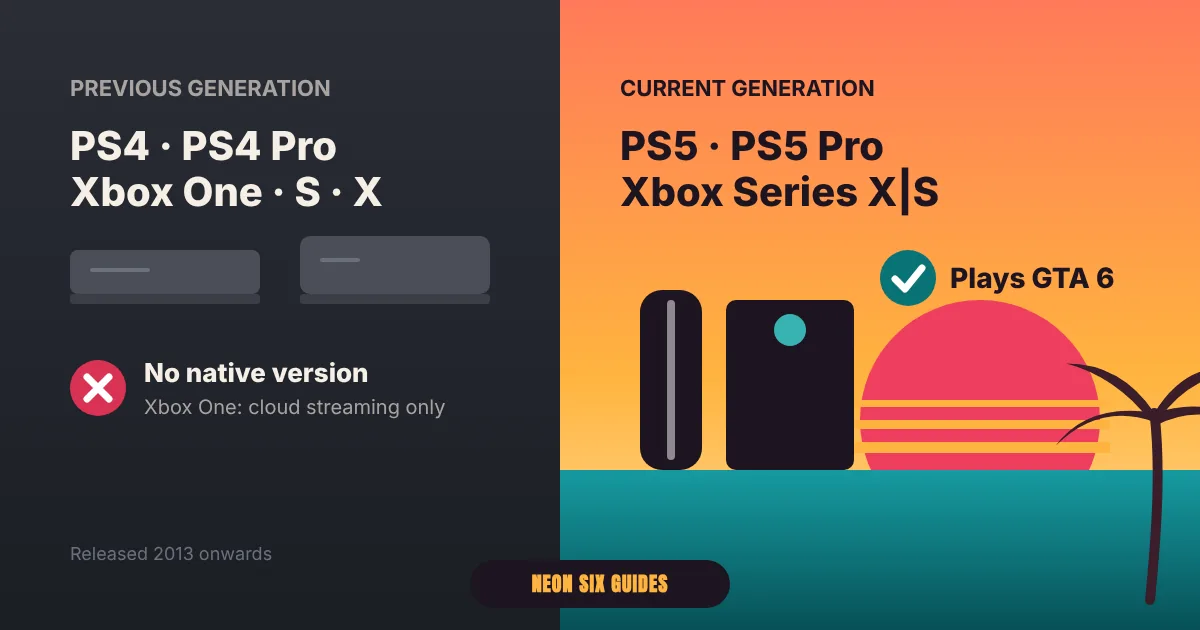
Still on a PS4 or Xbox One? See can you play GTA 6 on PS4 or Xbox One.
What does the PS5 Pro add?
Two things, both about image quality rather than speed: support for PSSR, Sony's AI upscaling, and ray-traced shadows that only the Pro gets. Digital Foundry found the base PS5 and the Pro render at a similar internal resolution, but PSSR rebuilds the Pro's image so well it can pass for native 4K. In their testing the Pro also held up best, with dips only to around 24 FPS.
So the Pro is the best-looking console version, but it won't play more smoothly. If you're weighing it up, read is the PS5 Pro worth it for GTA 6.
What about the "60 FPS glitch"?
Clips of a so-called 60 FPS glitch have done the rounds since launch. PC Gamer tried it and found it doesn't actually make the game run at 60 FPS. There's no hidden setting to unlock.
How to make GTA 6 look and feel better
- Turn down motion blur in the display settings if the 30 FPS camera feels smeary when you turn.
- Use your TV's Game mode to cut input lag. It makes 30 FPS aiming feel noticeably more responsive.
- Check HDR is calibrated in the PS5 or Xbox system settings first, then in the game.
- Play on a 4K TV if you have a PS5 Pro: that's where PSSR makes the biggest difference.
How much storage does GTA 6 need?
A lot. The PS5 preload asked for up to 212 GB, a big chunk of a standard PS5's usable space. If you're short on room, an M.2 SSD is the easiest fix on PS5, and Xbox uses expansion cards. See our GTA 6 storage guide.
FAQ
Does GTA 6 have a performance mode?
No. There's no performance or quality mode on any console; every version targets 30 FPS.
Does GTA 6 run at 60 FPS on PS5 Pro?
No. The PS5 Pro also targets 30 FPS, but with a sharper image from PSSR and exclusive ray-traced shadows.
Is GTA 6 better on PS5 or Xbox?
Base PS5 and Xbox Series X perform similarly. PS5 Pro has the best image; Series S has the lowest resolution.
How big is GTA 6?
The PS5 preload asked for up to about 212 GB of free space.
Sources
- Rockstar Newswire via Timesaver.gg
- Guides Factory (Digital Foundry findings)
- How To Video Game
- The Click
- IBTimes UK
- PC Gamer
Figures from early player reports can change with game updates. Spotted a mistake? Tell us and we'll fix it.